Articles & guides
tesla-app - Tesla Articles
Guides, reviews, and ownership tips — read by thousands of Tesla owners.
Articles
Tesla PIN to Drive and Valet Mode: a setup guide for every model
How to set up PIN to Drive, Valet Mode and Glovebox PIN on Model 3, Model Y, Model S, Model X and Cybertruck, what each one locks, and what to do if you forget a PIN.
Tesla Robotaxi Update: Rides Now Until 2 AM, Calm Mode & Grok
Tesla's Robotaxi account says operating hours are now 6 AM to 2 AM, and listed new rider features: a rear camera feed, trip sharing, Calm Mode and Grok.
Tesla App Adds iPad and iPhone Duo Big-Screen Layout
Tesla's mobile app now has a layout built for tablets and foldables. It is rolling out gradually, so not every owner will see it yet.
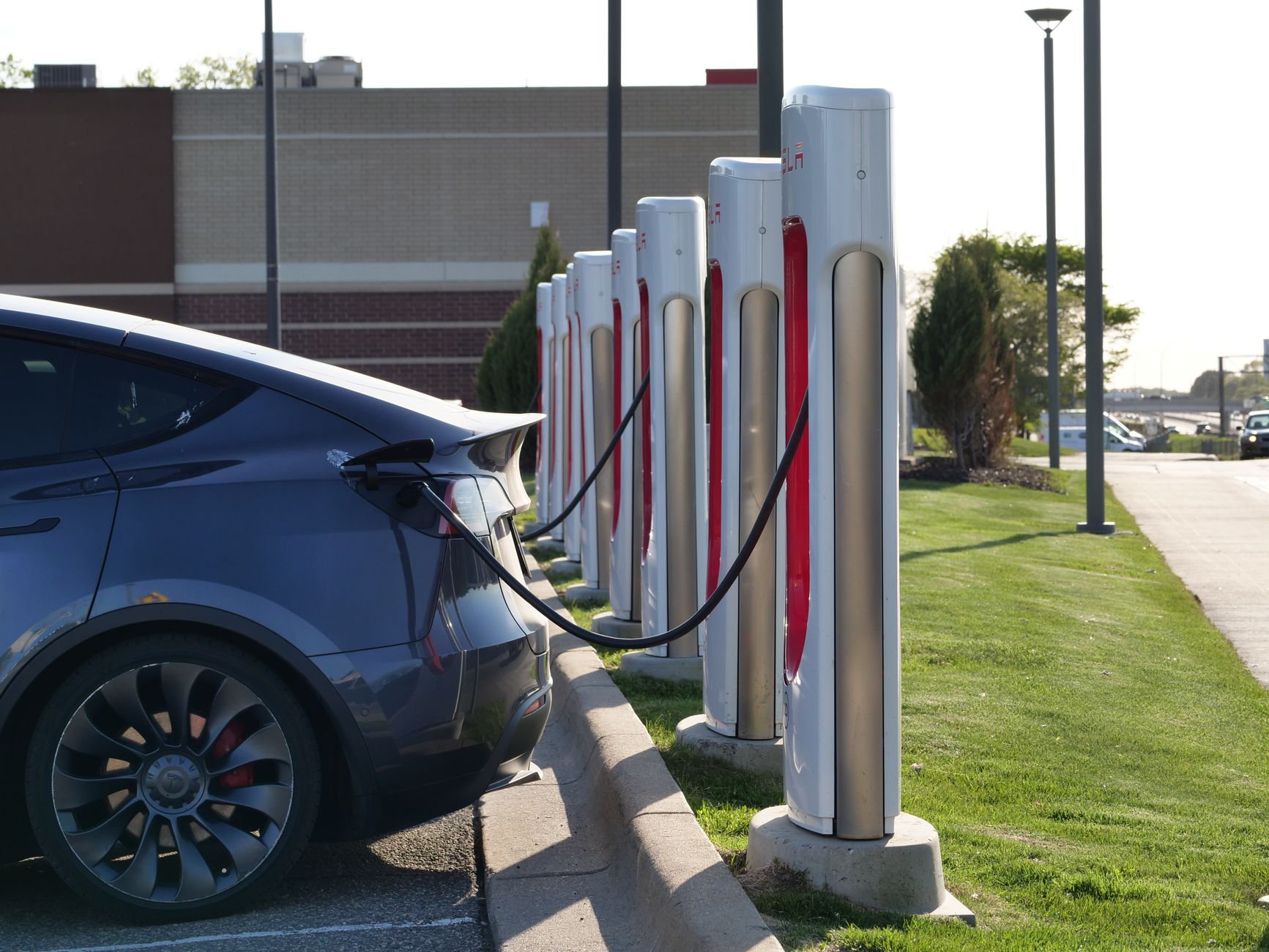
Tesla’s app now shows you the Supercharger stall layout before you arrive.
A September 2026 Tesla app update brings Site Maps — the station layout view that used to be car-only — to your phone, so you can preview stall positions and live availability before you pull in.
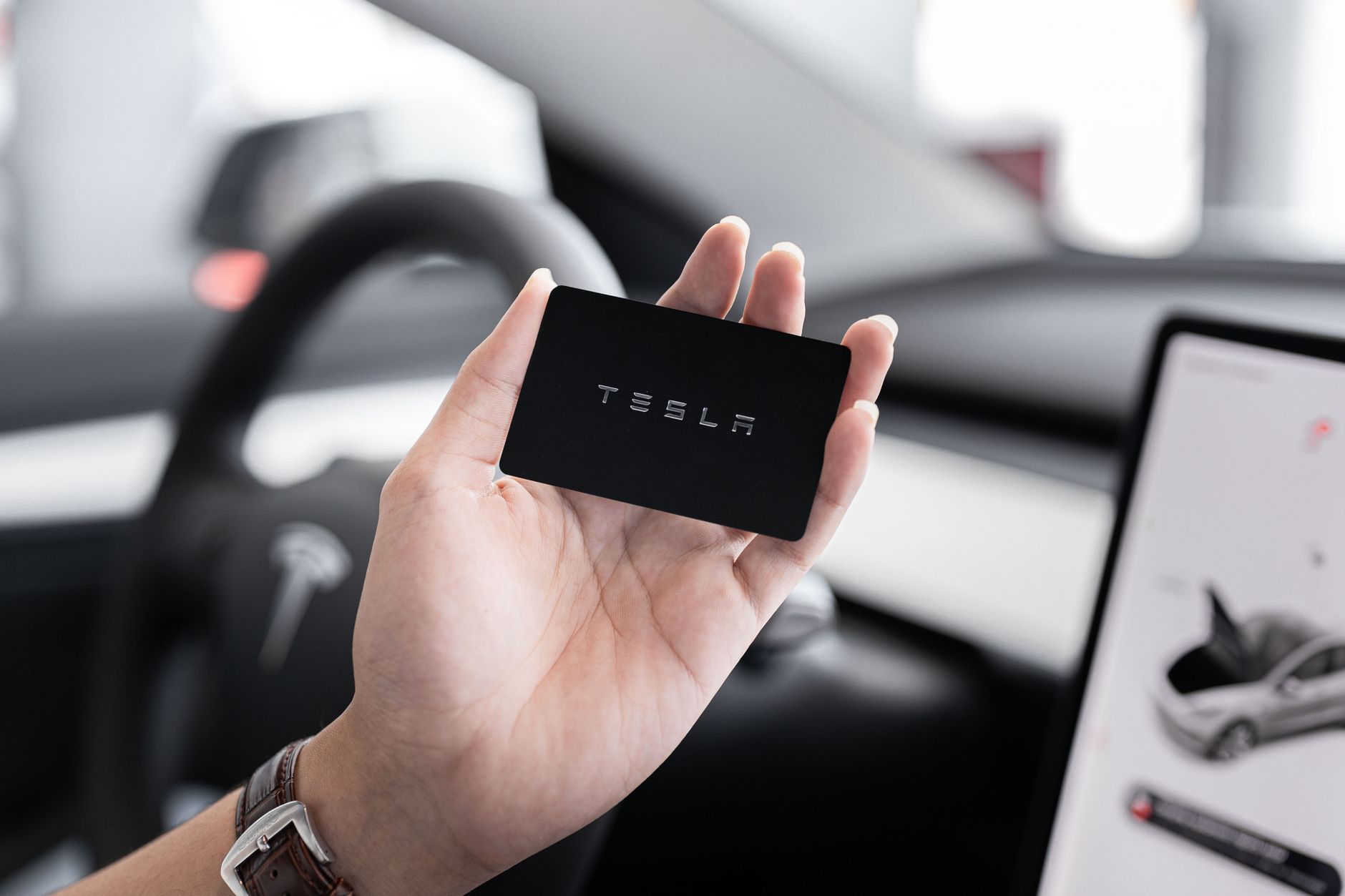
Gifting a Tesla to someone else? Here’s how ownership transfer actually works.
Tesla can transfer a car to a new owner entirely through the app, but that’s different from adding a driver — and your state’s title and registration paperwork still applies either way.
What Tesla’s app update 4.60 actually adds, and what’s still coming.
Tesla app 4.60 adds Passkey support and hints at Cybertruck Powershare with Powerwall — Ryan Shaw breaks down what’s live and what’s still just code.
What to set up in the Tesla app before your car arrives.
Your Tesla Account works before delivery day. Here’s what you can and can’t do in the app while your order is still pending.
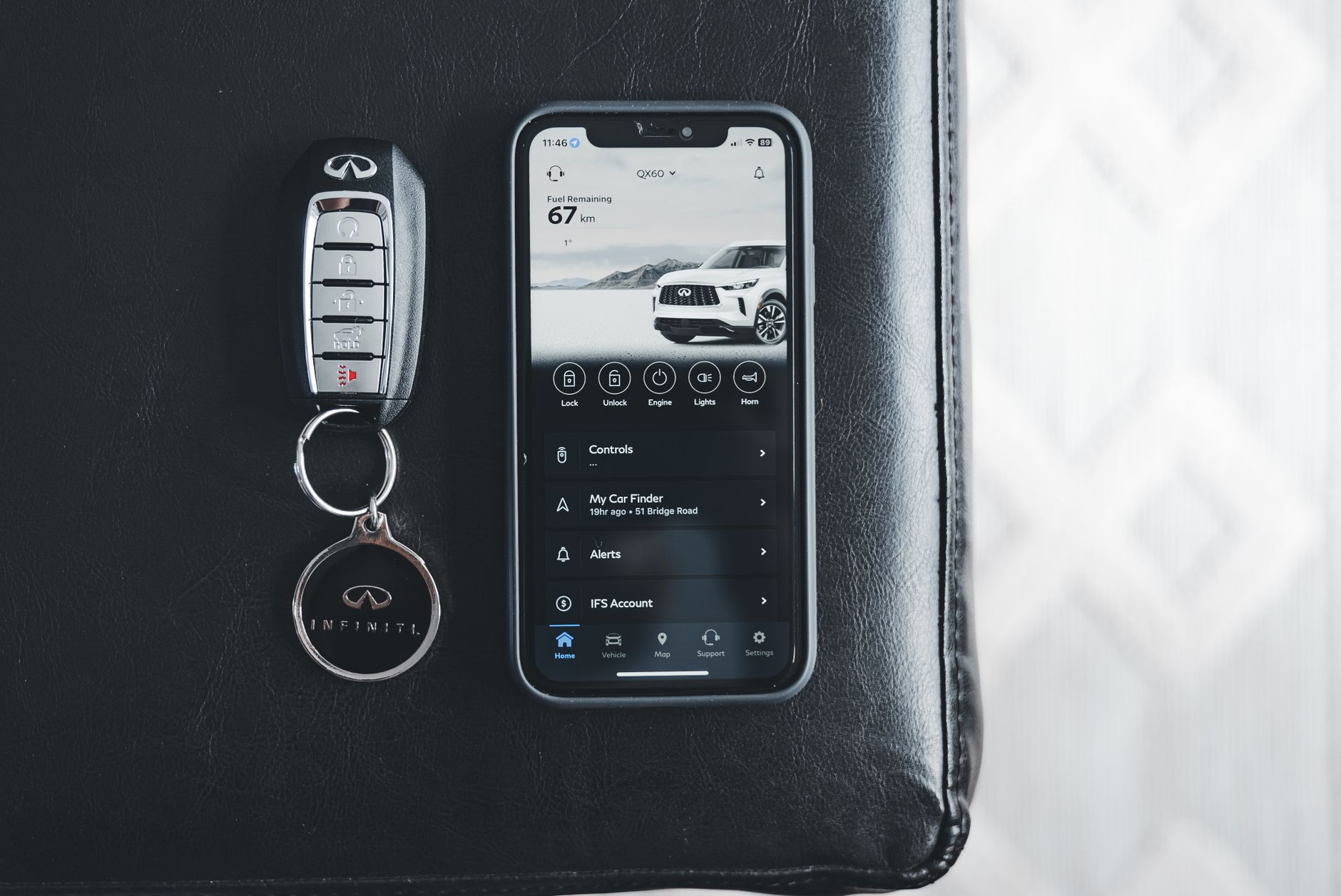
How to add a driver to your Tesla and share access without handing over your key
The Tesla app lets you add up to five drivers to a car, each with their own phone key and their own limits. Here’s what they can and can’t do.
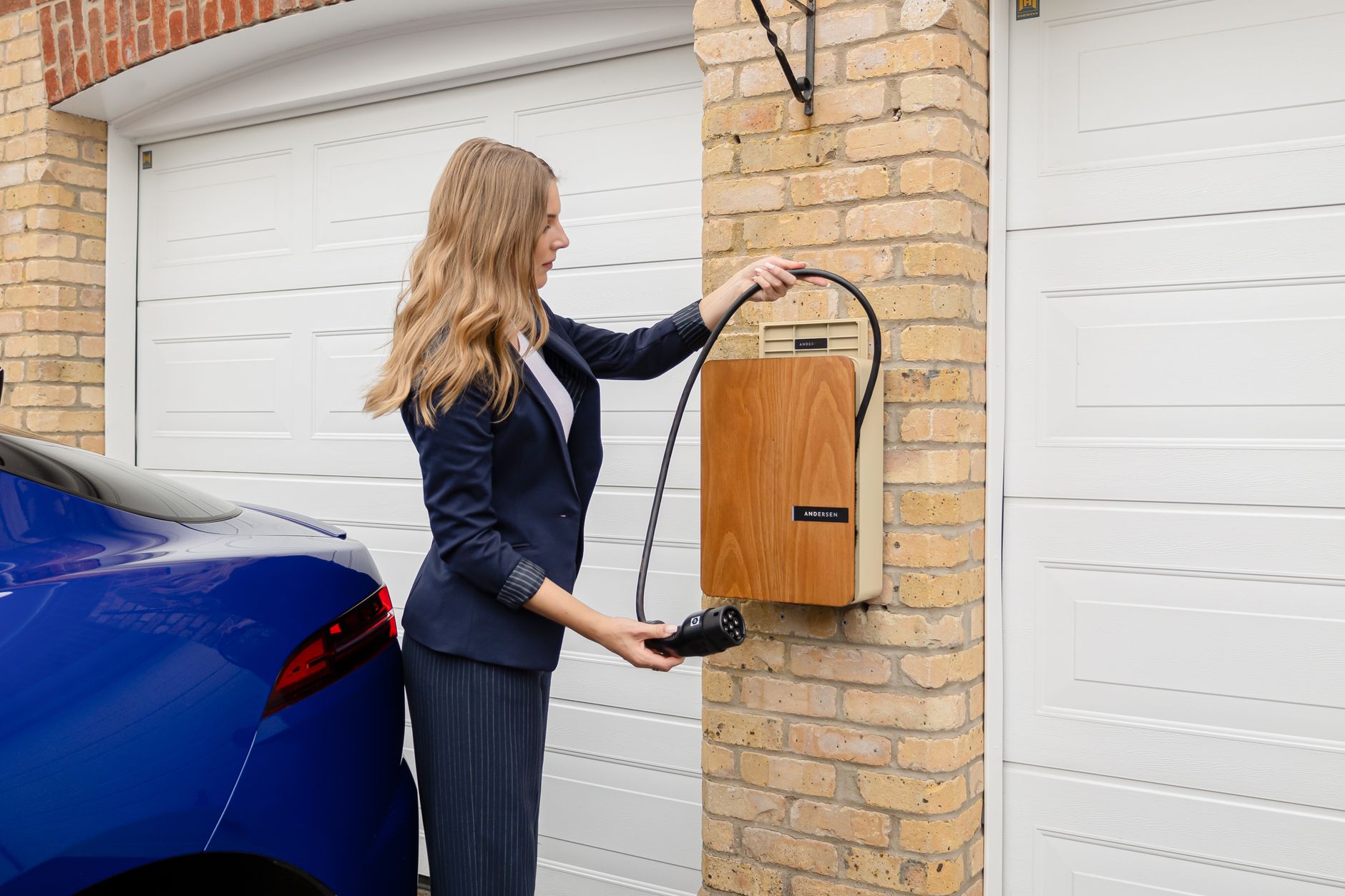
Set Scheduled Departure so your Tesla is warm and charged exactly when you leave.
Scheduled Departure times your Tesla’s preconditioning and charging to finish right before you leave, instead of hours early. Here’s how to set it up.
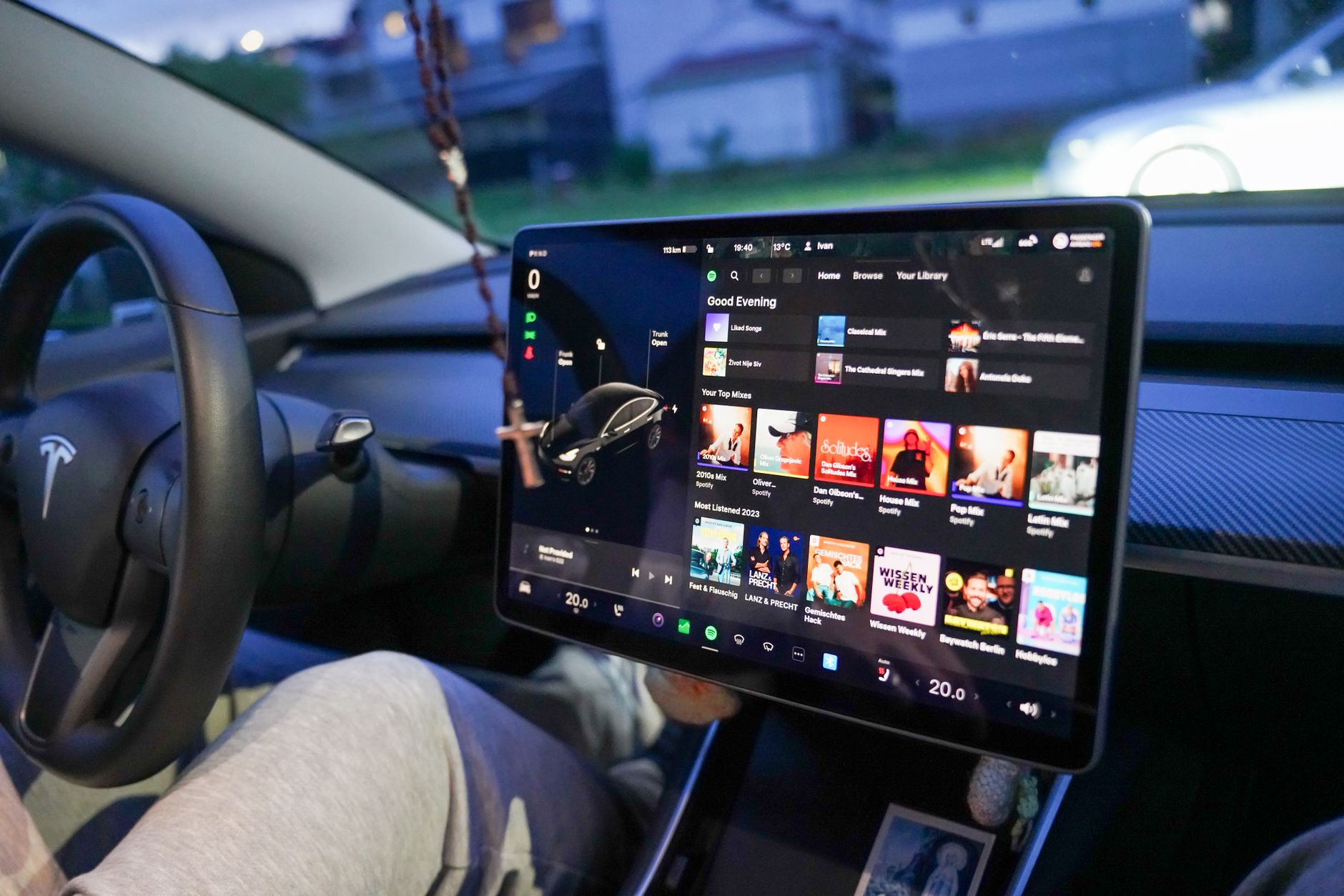
Premium Connectivity: what Tesla’s $9.99-a-month subscription actually buys you.
Every Tesla gets eight years of free connectivity. Here’s what the paid upgrade adds, and whether your daily driving needs it.
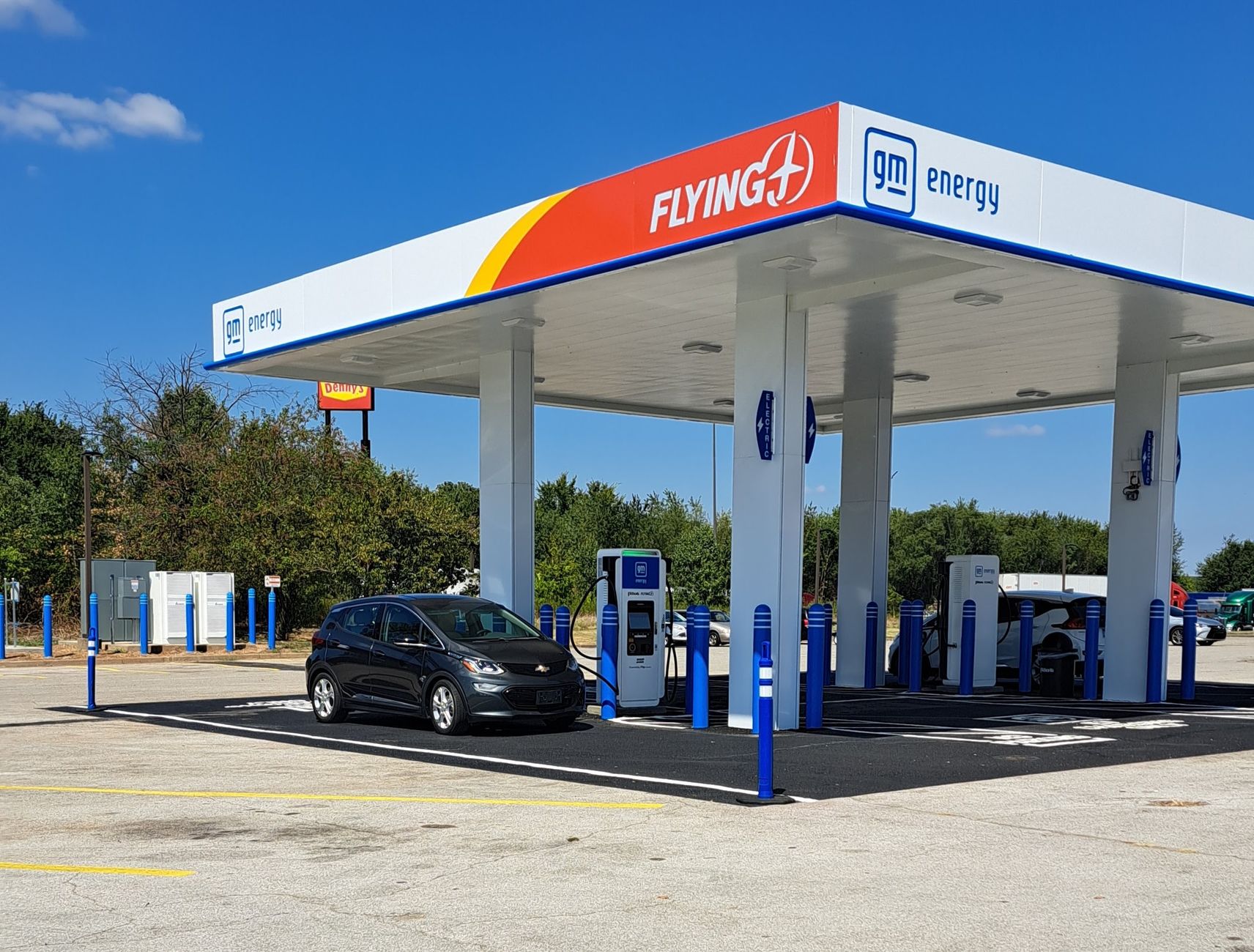
How Tesla’s Trip Planner picks your charging stops.
Trip Planner does the routing math for you on a road trip. Here’s what factors it actually considers, straight from Tesla’s owner’s manual.
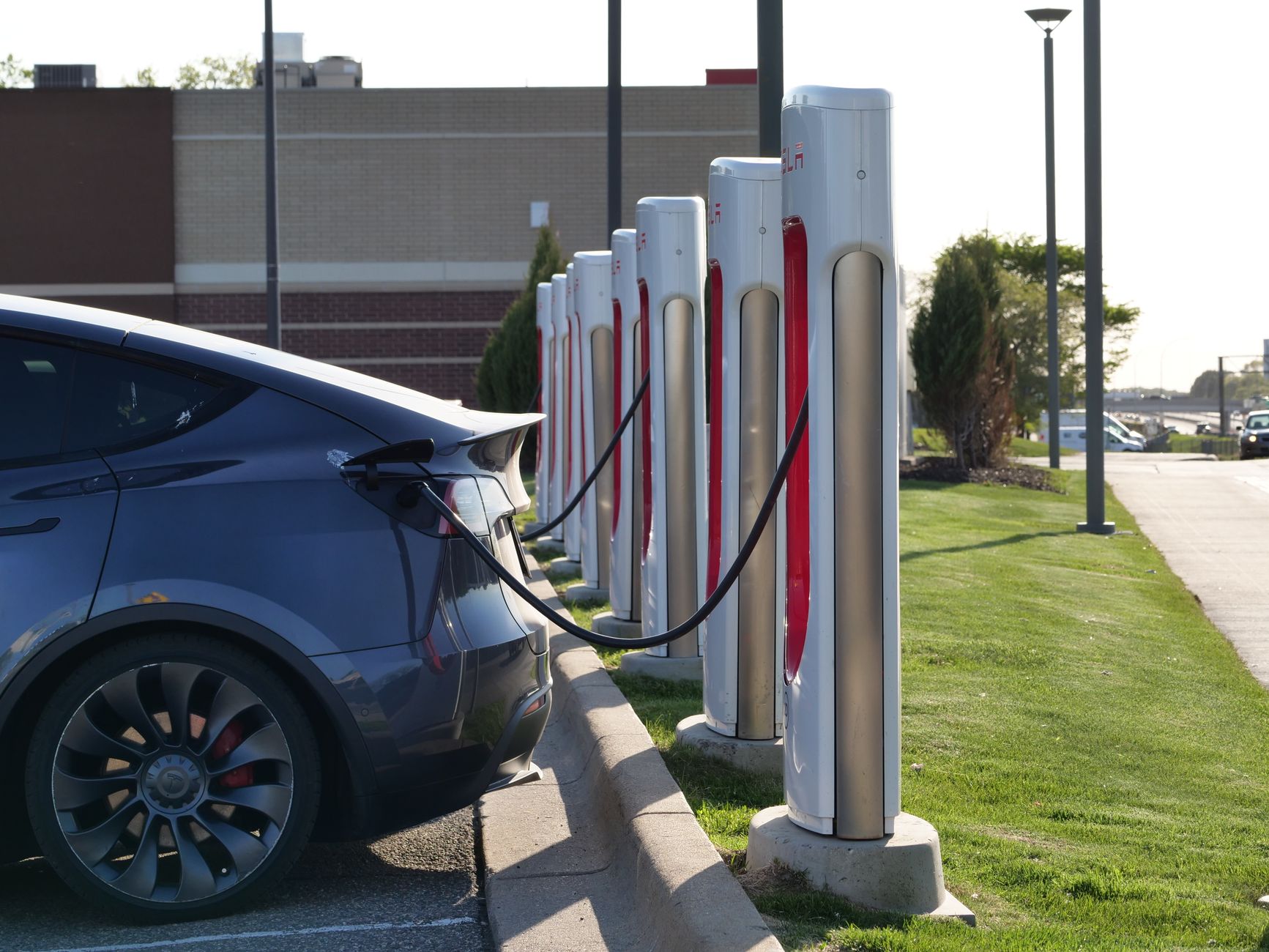
Tesla is running a free Supercharging contest through the end of 2026.
Tesla is rewarding its heaviest Supercharger users with free charging for life. Here’s how the 2026 contest works and how to check your standing.
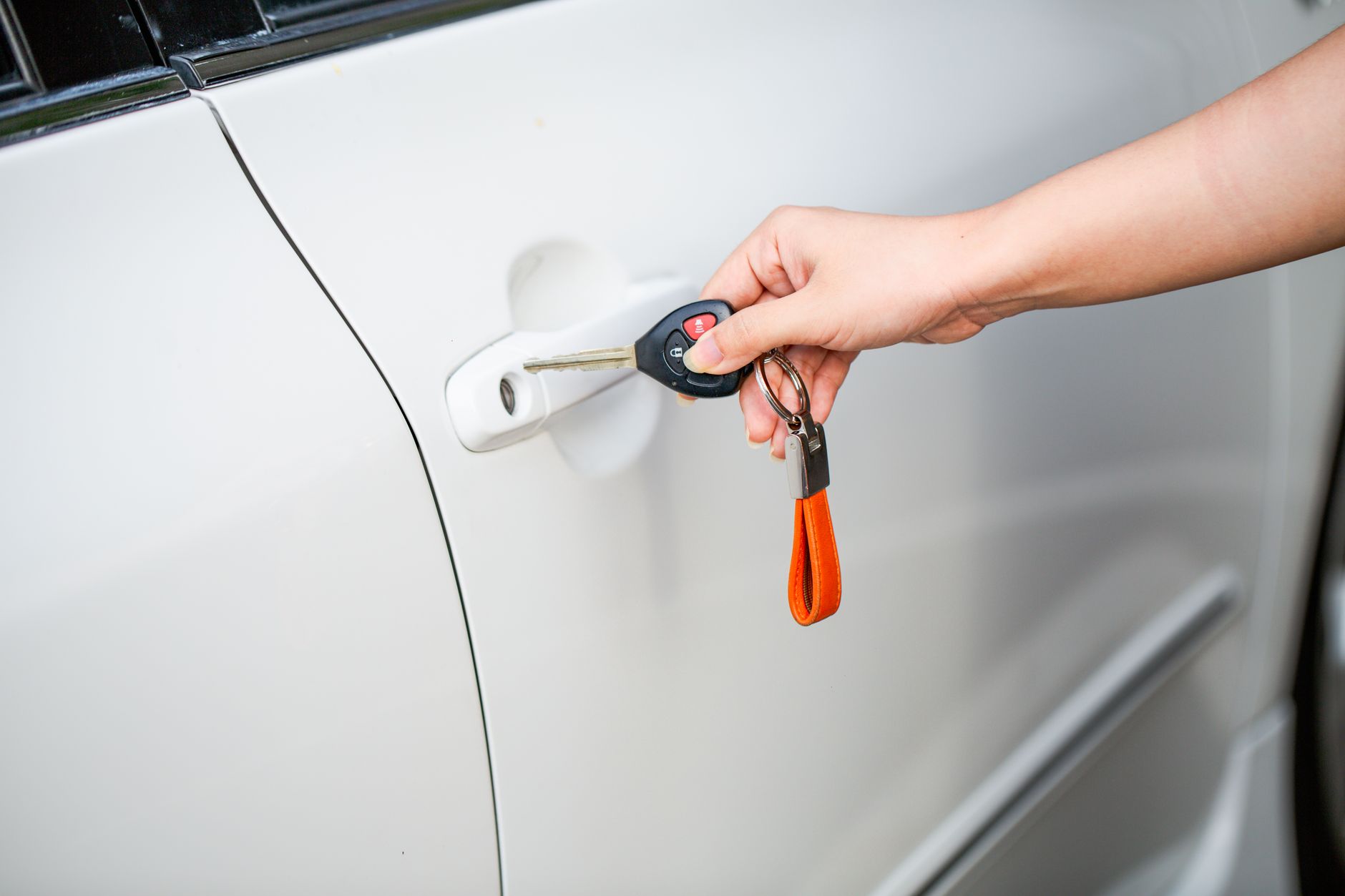
Your Tesla’s first week: what to do after delivery.
The setup tasks that actually matter in your first week of Tesla ownership, from the app to insurance to charging.
Ready to order?
Three months of FSD (Supervised), on Tesla.
Get 3 months of FSD (Supervised) free when you order through our link.
GetTesla receives Tesla Credits (store credit at Tesla) when you order through this link. It costs you nothing extra and the benefit comes from Tesla. How the referral works