Tesla’s mobile app can now show you the physical layout of a Supercharger station before you get there, including which stalls are open. The feature, called Site Maps, used to live only on the car’s own touchscreen. As of mid-September 2026 it’s rolling out to the phone app too.
What the app actually shows
Open the charging map in the Tesla app and zoom in on a supported Supercharger location, and the standard pin-drop map switches to a detailed overhead layout of the site — stall positions, entry points, and how the row is arranged — according to Not a Tesla App’s report on the rollout. The layout also shows live stall status, so you can see which chargers are occupied, open, or out of service without being in the car. Basenor’s write-up of the update traces it to Tesla App version 4.61.0 for iOS, where it showed up without being called out in the version’s changelog. Android availability for this specific build hasn’t been confirmed as of this writing, so check your own app version if you don’t see it yet.
It’s worth noting the in-car version is still the fuller experience: the touchscreen renders the site as a rotatable 3D space, while the phone version is a fixed overhead view you can zoom but not spin around.
Where this actually helps
Site Maps first showed up on Tesla’s in-car screens as part of the company’s 2025 holiday software update, initially covering only 18 locations. It’s since expanded to thousands of sites, with more added every week, per the same Not a Tesla App report. Having it on your phone matters most before you’re actually driving: you can check a stop’s layout while planning a route the night before, or glance at stall availability from inside a rest-stop coffee shop instead of walking back out to the car to check the screen.
It’s a small addition, not a trip-planning overhaul — Tesla’s Trip Planner still handles the routing and charge-time math. But if you’ve ever pulled into an unfamiliar Supercharger and had to guess which row had an open stall, this closes that gap before you arrive.
How to check if you have it
Update the Tesla app from your phone’s app store, then open the charging map and zoom into a Supercharger you know is high-traffic — busier sites got the feature first. If the pin doesn’t expand into a layout view, your app version may not have it yet, or your specific station may not be mapped. Coverage is still expanding weekly, so a station without a layout today may have one within a few weeks.
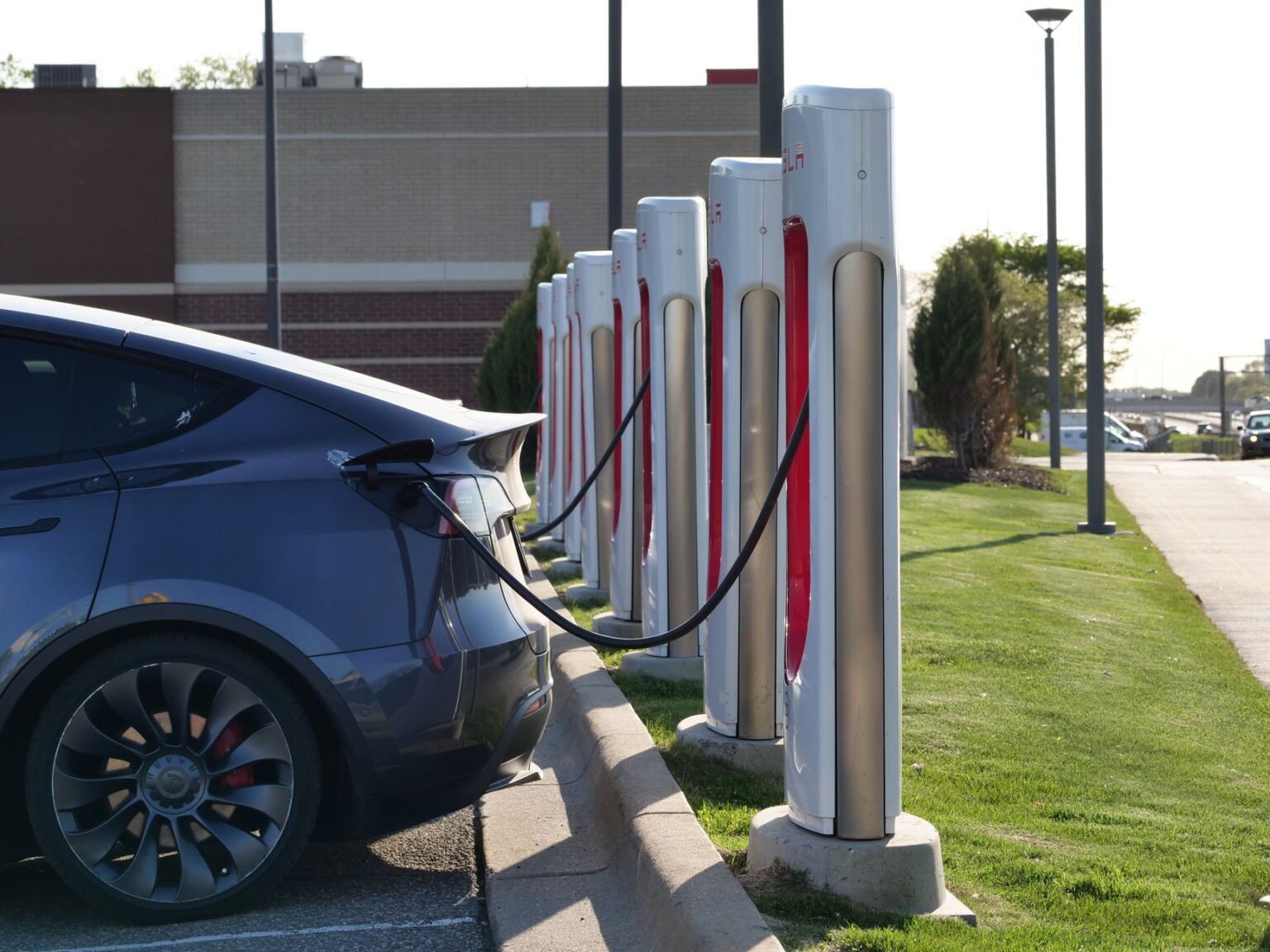
Photo by Giant Asparagus.