Key takeaways
- Tesla software update 2026.38.5.13 began showing up for at least some owners on Friday evening, November 13.
- The on-screen release notes still list FSD (Supervised) v14.3.13, so this is not a new Full Self-Driving build.
- Tesla had not posted about the build as of 11:46 PM ET. To check your car, connect to Wi-Fi and open Controls, then Software.
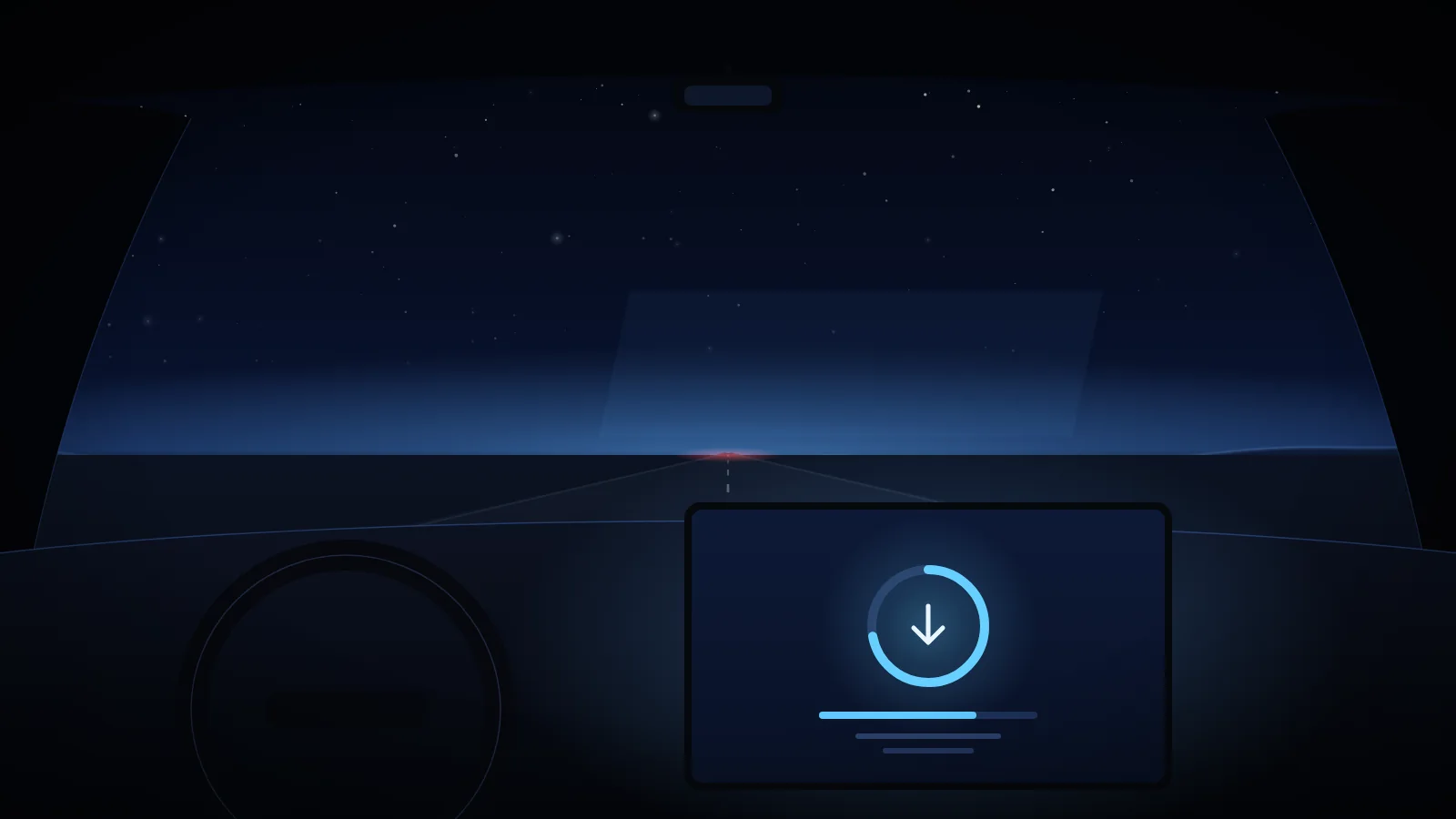
Tesla software update 2026.38.5.13 began showing up for at least some owners on Friday evening, November 13. Dirty Tesla posted a screenshot at 9:50 PM ET of a car downloading the build, with the heading "Software Update, Downloading 2026.38.5.13." The post said the car was still on FSD 14.3.13.
Other owners reported the same version earlier Friday, including on a Cybertruck at 6:34 PM ET, a 2025 Model 3 and a 2026 Model X. That is enough to say some cars are getting it, not enough to say how widely it has gone. As of 11:46 PM ET, Tesla's official accounts had not posted about the build.
What's in the notes
The screenshot shows FSD (Supervised) v14.3.13 at the top of the release notes. Those notes are carried over; they are not new in this build. The release notes still list FSD v14.3.13, which includes an upgraded reinforcement-learning training stage, an upgraded vision encoder for rare and low-visibility scenes, a rewritten AI compiler that Tesla's notes say yields 20% faster reaction time, less unnecessary lane biasing and minor tailgating, more decisive parking with a P icon on the map, a stronger response to emergency vehicles and school buses, and better handling of small animals.
Tesla has not published a separate changelog for 2026.38.5.13, so we are not treating those carried-over notes as new features.
How to check for the update
Tesla usually sends software in waves, so your car may not have this build yet. Connect to Wi-Fi and open Controls, then Software. You cannot request an update; the car only offers a build Tesla has sent it. If a download appears, install it when the car is parked, or wait and let it install later. Our guide on how to update your Tesla's software covers Wi-Fi, scheduling and automatic installs.
We'll update this post if Tesla publishes its own notes.