Wrap Studio
Design your own Tesla wrap.
Pick the car, choose a pattern and colours, see it on the car, and download the PNG for the Paint Shop. Free.
You are looking at a wrap design someone shared with you.
Start your own designTemplate 1024 by 1024 px. Pick the generation and trim that match your car: each template is laid out differently.

GT-modely-2025-premium.png · 1024 by 1024 px · under 1 MB · for Toybox, Paint Shop, Wraps. The first download asks for your email and sends you the file with the install steps.
Add a photo, a logo or a drawing: PNG, JPEG, WebP or GIF, up to 10 MB. It is resized to 1024 px on its longest side (the largest a Tesla wrap can be) and stays in your browser: nothing is uploaded, and a shared link does not carry it.
Letters, numbers and . , ! & ' # - + / only. Keep it big: small text disappears on the car’s screen. Drag it into place in the Template view.
Start from a preset
This page opened on a shared design.
Install
Getting it onto the car
Three steps, about ten minutes the first time. The same steps come in the email with your file.
Design and download
Pick your Tesla, choose a pattern and colours, then download the PNG. It comes out at the template size (PNG, 512 to 1024 pixels, under 1 MB), named with letters, digits, dashes and spaces only, as the car requires.
Send it to the car
Tesla app 4.59 or later: Creations, then Wrap, then Upload. Or put the file in a folder called "Wraps" at the root of a USB drive (exFAT, FAT32, ext3 or ext4, not NTFS) and plug it in. Up to 10 wraps each way.
Apply it in the car
On the touchscreen open Toybox, then Paint Shop, then the Wraps tab. Your design appears on the 3D car. Tap it to apply.
Gear
For the Toybox and the drive
A USB drive for the Wraps folder and the accessories owners add first.
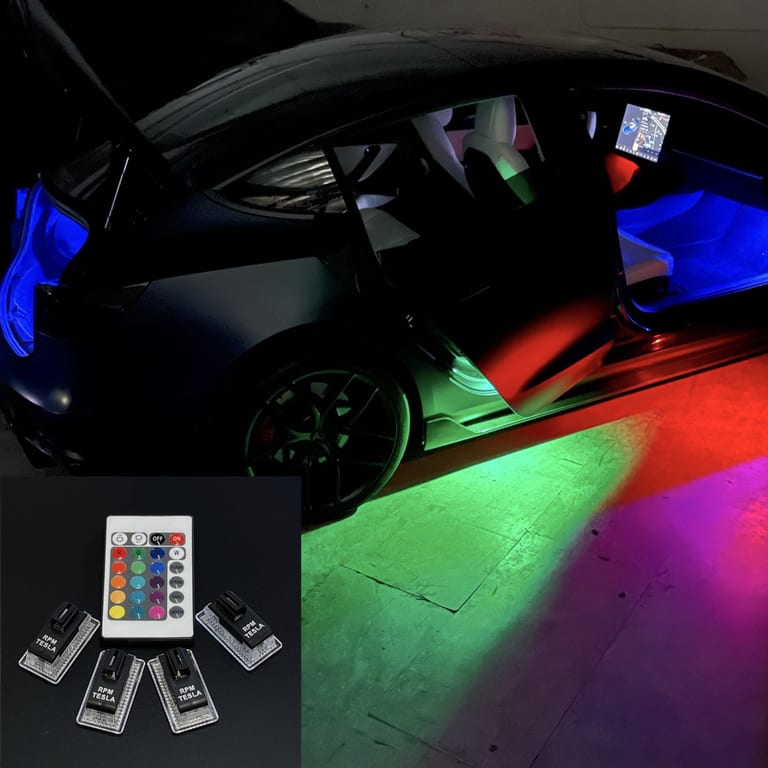
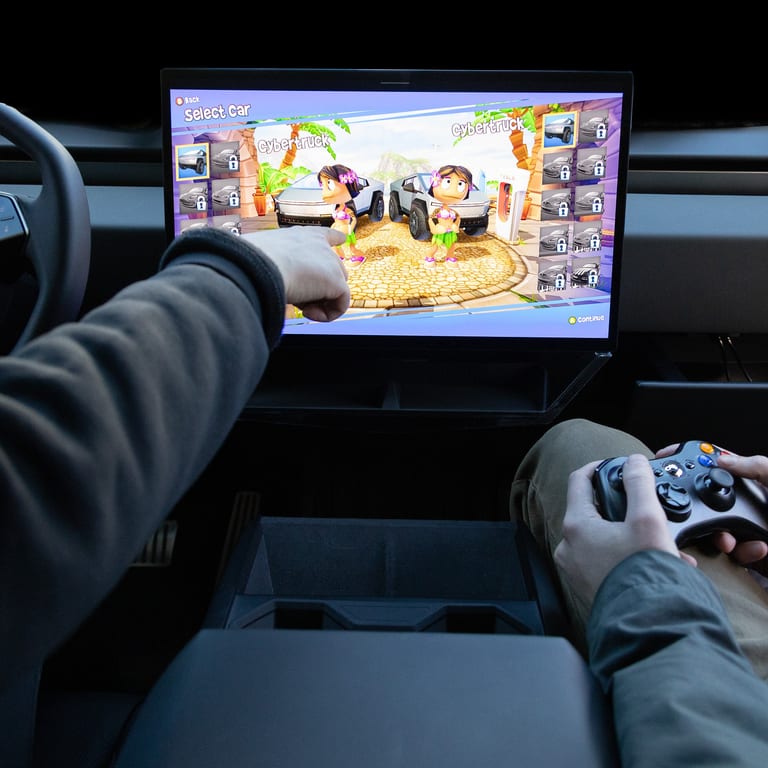
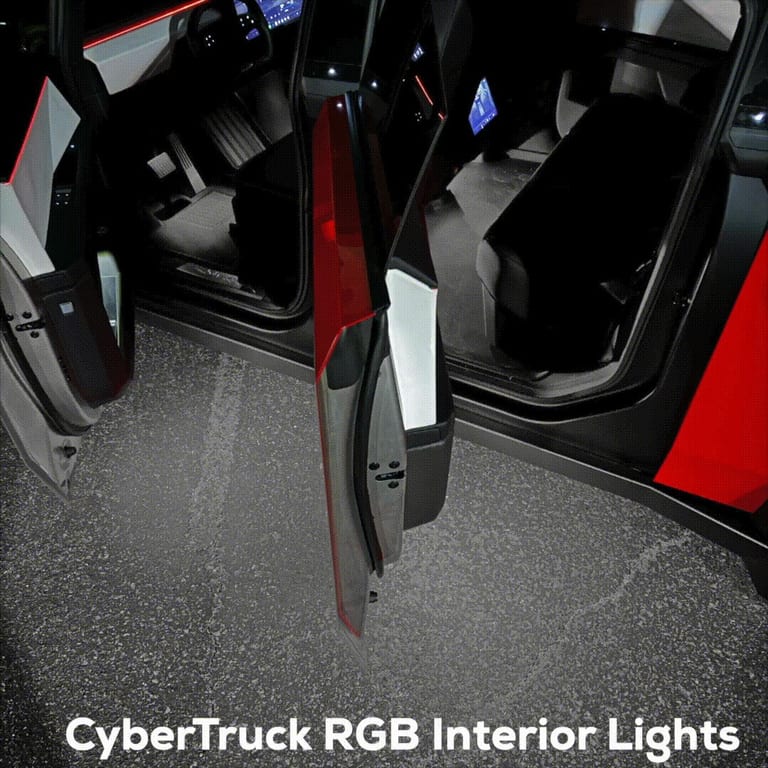
Affiliate links About affiliate links: We may earn a small commission when you buy through our links. It never changes the price you pay or what we recommend.
Gallery
Presets on the Model Y Premium template
Open one and change anything. Every design is a link, so a wrap you like can be shared as a URL.
 Woodland camoThe classic four-colour camo, in forest greens.
 Arctic digitalSnow digital camo in white, grey and slate.
 Sunset fadeOrange into magenta into violet, corner to corner.
 Stealth carbonA fine carbon weave in two blacks.
 Le Mans stripesTwin racing stripes with a thin Electric pinstripe.
 LeopardRosettes on tan, the Paint Shop favourite.
 Contour mapTopographic lines in mint on deep green.
 Paint splatterRed, blue and yellow splashes on white.
 Night skyWhite and gold stars on navy.
 Two-tone splitA hard diagonal split, dark over silver.
 HoneycombElectric blue hexagons on midnight.
 Arcade pixelsBlue, mint and white pixels on black.
Templates
Every Tesla with a Paint Shop template
Pick the generation and trim that match your car. Each template maps the panels differently, so a Model Y file does not fit a Model 3.
Cybertruck
Model 3
Model Y
Model X
FAQ
Frequently asked
What is a Tesla custom wrap?
A PNG texture that Tesla's Paint Shop (Toybox, Paint Shop, Wraps tab) drapes over the 3D car on the touchscreen. It changes how the car looks on screen, not the real paint. Tesla publishes a template per vehicle; the studio draws your design onto it and exports a file that meets the rules: PNG, 512 to 1024 pixels, under 1 MB.
Which Teslas support custom wraps?
Tesla has templates for 12 vehicles: the Cybertruck, every Model 3 and Model Y (including the 2024+ Model 3, the 2025+ Model Y and the Model Y L), the 2021+ Model S and Model S Plaid, and the 2021+ Model X. Each needs software 2026.26 or later for uploads from the app; a USB drive works on earlier releases that have the Wraps tab.
Is the Wrap Studio free?
Yes. Designing, previewing and downloading are free. The first download asks for your email so we can send you the file with the install steps; after that, downloads on that device are instant.
Why does my download need an email?
The email carries your PNG and the install steps, so the file is on your phone when you open the Tesla app. We store the address, the vehicle and the design so you can ask us for it again. You can also tick the weekly brief; that is a separate, double opt-in list.
Why is the file under 1 MB and does it lose quality?
Tesla rejects files over 1 MB. A busy pattern at 1024 pixels can be larger as a 32-bit PNG, so the studio saves it as a palette PNG (up to 256 colours), the same format Tesla's own example wraps use. On the car's screen the difference is not visible.
Does the preview match the car exactly?
No. The on-car view is an illustration: your design, image and text on our own drawing of the car, so you can judge colours and scale. The Template view is the exact file. Tesla’s own 3D render in the car is the final word, and the layout of each template decides where a pattern lands on each part of the body.
Can I use my own photo or logo?
Yes. Add a PNG, JPEG, WebP or GIF up to 10 MB and it shows on the car at once. It is resized to 1024 px on its longest side, the largest a Tesla wrap can be, and stays in your browser: it is never uploaded and is not in a shared link. Keep text and fine lines large: small detail disappears on the car’s screen.
Is this affiliated with Tesla?
No. GetTesla is an independent owner’s guide. The Paint Shop, the Toybox and the vehicle names belong to Tesla, Inc.
Keep going
More for owners
Independent tool. Not affiliated with Tesla, Inc. Wraps are digital files for the car’s Paint Shop, not vinyl. Templates are published by Tesla for owners; this studio draws your design onto its own panel maps.