TL;DR
- Besides the big drive battery, every Tesla has a small low voltage battery that runs things like the touchscreen and door locks. Older cars use a 12V lead-acid battery, and Model 3 and Model Y cars built since late 2021 use a lithium-ion one.
- Check which one you have on the touchscreen under Controls, then Software, then Additional Vehicle Information.
- If the low voltage battery runs flat, the car may not wake up. Tesla's manual shows how to wake it with a portable jump starter, and warns that a Tesla cannot jump start another car.
- Tesla says damage to the low voltage battery from running out of range is not covered by the warranty, so don't let the main battery sit near empty.
Your Tesla has two batteries. The large high voltage pack drives the car, and a small low voltage battery, often called the 12V battery, powers the computers, screen, locks and lights. When that small battery weakens or goes flat, the car can refuse to wake up even with a full drive battery. This guide covers which type your car has, the warning signs, how to wake a car with a flat one and when to replace it, using Tesla's own service documents as of November 9, 2026. Most details here come from Tesla's Model Y and Model 3 pages, so procedures on other models can differ.
Which low voltage battery does your Tesla have?
Tesla made a change in late 2021. Its Model Y jump starting page says cars built at Gigafactory Shanghai before about October 2021, and at the Fremont Factory before about December 2021, have a lead-acid low voltage battery, and cars built after those dates have a lithium-ion one. Tesla's Model 3 jump starting page gives the same dates. To check yours, touch Controls, then Software, then Additional Vehicle Information.
Tesla's 2020 to 2024 Model Y service manual lists three types:
| Model Y build | Battery type | Rating | Voltage |
|---|---|---|---|
| 2020 Model Y | Lead-acid (wet/flooded) | 45 Ah | 12V |
| 2022 Model Y, and 2024 Model Y with AP4 | Lithium-ion | 6.9 Ah | 16V |
| 2024 Model Y with AP4 | Lithium-ion | 12 Ah | 14.4V |
Tesla lists two lithium-ion versions for 2024 Model Y cars with AP4, so the touchscreen screen above is the quickest way to know which one is in your car.
What happens when the low voltage battery runs low?
For lead-acid batteries, Tesla's technical note on lead-acid low voltage batteries (revised March 2024, covering 2017 to 2021 Model 3, 2020 to 2021 Model Y, 2012 to 2020 Model S and 2015 to 2020 Model X) says that any time the battery falls below 10.5V its capacity is reduced and it might not perform as expected, even after it is recharged. Tesla's instruction is to replace the battery any time its charge has fallen below 10.5V. The note adds that a weak 12V battery can put more load on the main battery, because the car has to top it up more often.
The same note warns against over-discharging the 12V battery and says that when the main battery icon turns yellow, which means below 20 percent, a float charger should be kept on the 12V battery or 12V power disconnected. That instruction is written for service technicians, but the lesson for owners is simple: don't park for long with a nearly empty main battery.
Tesla also states, on its lead-acid battery replacement page, that it is your responsibility to monitor the low voltage battery's health, and that damage to it caused by running out of range is not covered by the warranty. Our guide to what happens if your Tesla runs out of charge explains why that situation is worth avoiding.
Warning signs to watch for
The touchscreen is where trouble shows up first. Watch for a low voltage battery alert or a screen that takes much longer than usual to wake. If you see an alert about the low voltage battery, follow what it says and book service in the Tesla app. Cold weather is hard on batteries of every kind, so a car that sits outside for days in winter is more likely to show problems. Our winter prep guide covers the other cold-weather checks.
How to wake a Tesla with a flat low voltage battery
Tesla's jump starting page assumes you are using a portable jump starter, and says to follow the other car maker's instructions if you use another vehicle. Two cautions from Tesla come first: a Model Y cannot be used to jump start another vehicle, and connecting cables to the wrong post or letting the leads touch can damage the car.
For a Model Y with a lithium-ion battery, Tesla's steps are, in short:
- Open the hood using Tesla's no-power procedure, then remove the maintenance panel, and fold back the HEPA filter gasket if your car has one.
- Pull back the black seal, remove the red cover and connect the jump starter's red positive cable to the red positive jump post.
- Connect the black negative cable to the HEPA filter bolt, which serves as the negative jump post. Tesla notes that on cars built after about February 2025 this post may sit under a black plastic trim piece at the top of the frunk.
- Turn on the jump starter and touch the touchscreen. Tesla says it can take several minutes to wake.
- When you are done, disconnect the black negative cable first, then the red one, and refit the panels.
Lead-acid cars connect straight to the battery terminals instead. Read the full page for your car before you start.
Can you replace the 12V battery yourself?
For lead-acid cars, Tesla publishes a do-it-yourself procedure. Its Model Y page and its Model 3 owner's manual both name the North American battery as an AtlasBX / Hankook 85B24LS 12V 45Ah, and say to replace it with the same type to avoid damage that is not covered by the warranty. You can buy one, or drop off an old one, at a Tesla Service Center. Tesla says the battery weighs about 25 pounds and asks for safety glasses and gloves.
For lithium-ion low voltage batteries, the lead-acid note refers technicians to a separate procedure, and Tesla's owner pages above don't include a do-it-yourself replacement for them. The practical answer is to book service. Our guides to what Tesla's warranty covers and what Tesla maintenance actually costs help you plan for the visit.
What to do
- Check your battery type today under Controls, then Software, then Additional Vehicle Information.
- Keep the main battery above about 20 percent when the car will sit, and plug in if you can.
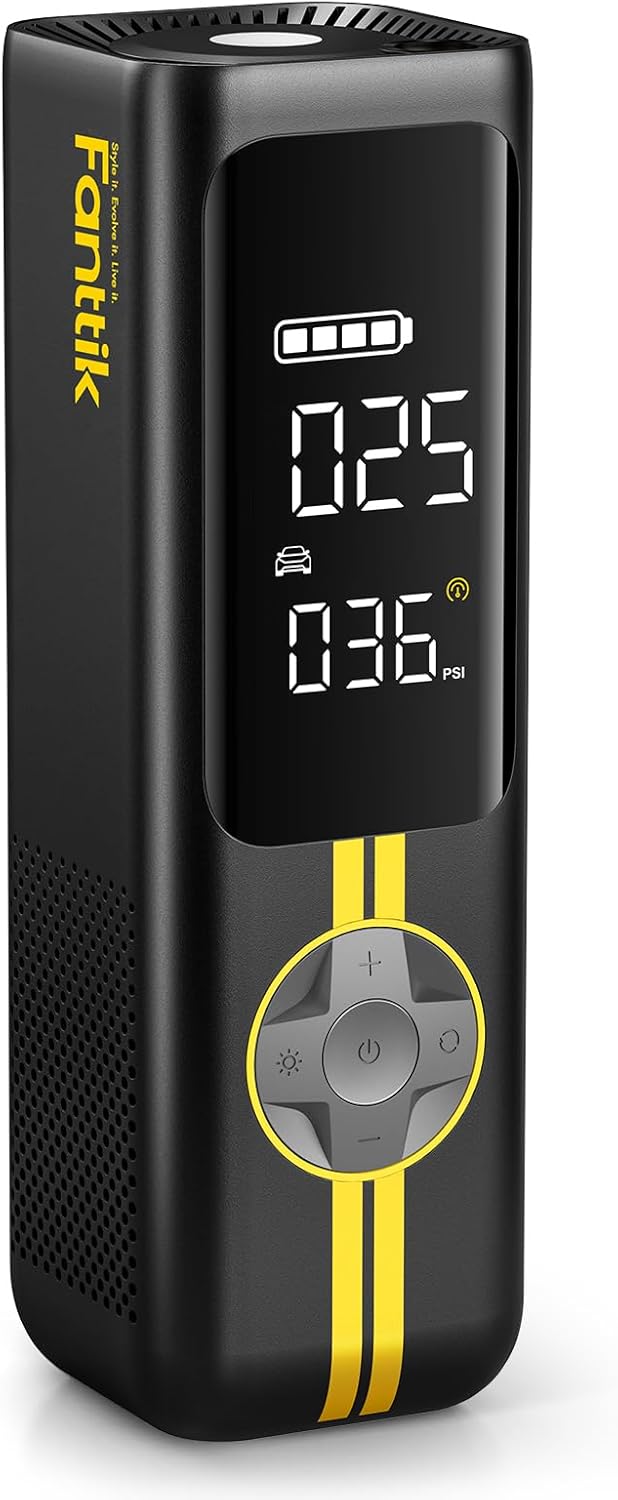
- Keep a portable jump starter in the car if you park outside in winter, and bookmark Tesla's jump starting page for your model.
- If a low voltage battery alert appears, book service in the Tesla app rather than waiting for the car to stop waking. For more on your model, see the Model Y guide.
Frequently asked questions
Does a Tesla have a 12V battery?
Yes. Every Tesla has a low voltage battery in addition to the main battery. Older ones are 12V lead-acid; most Model 3 and Model Y cars built since late 2021 use lithium-ion, rated at 16V or 14.4V on the Model Y.
Can I jump start another car with my Tesla?
No. Tesla's Model Y manual says the car cannot be used to jump start another vehicle and that doing so can cause damage.
Will a flat 12V battery lock me out?
It can stop the car from waking. Tesla's manual includes a procedure for opening the hood with no power so you can reach the jump posts.
Is the low voltage battery covered by warranty?
Tesla says damage from running out of range is not covered. For other failures, check your warranty terms or ask Tesla service.