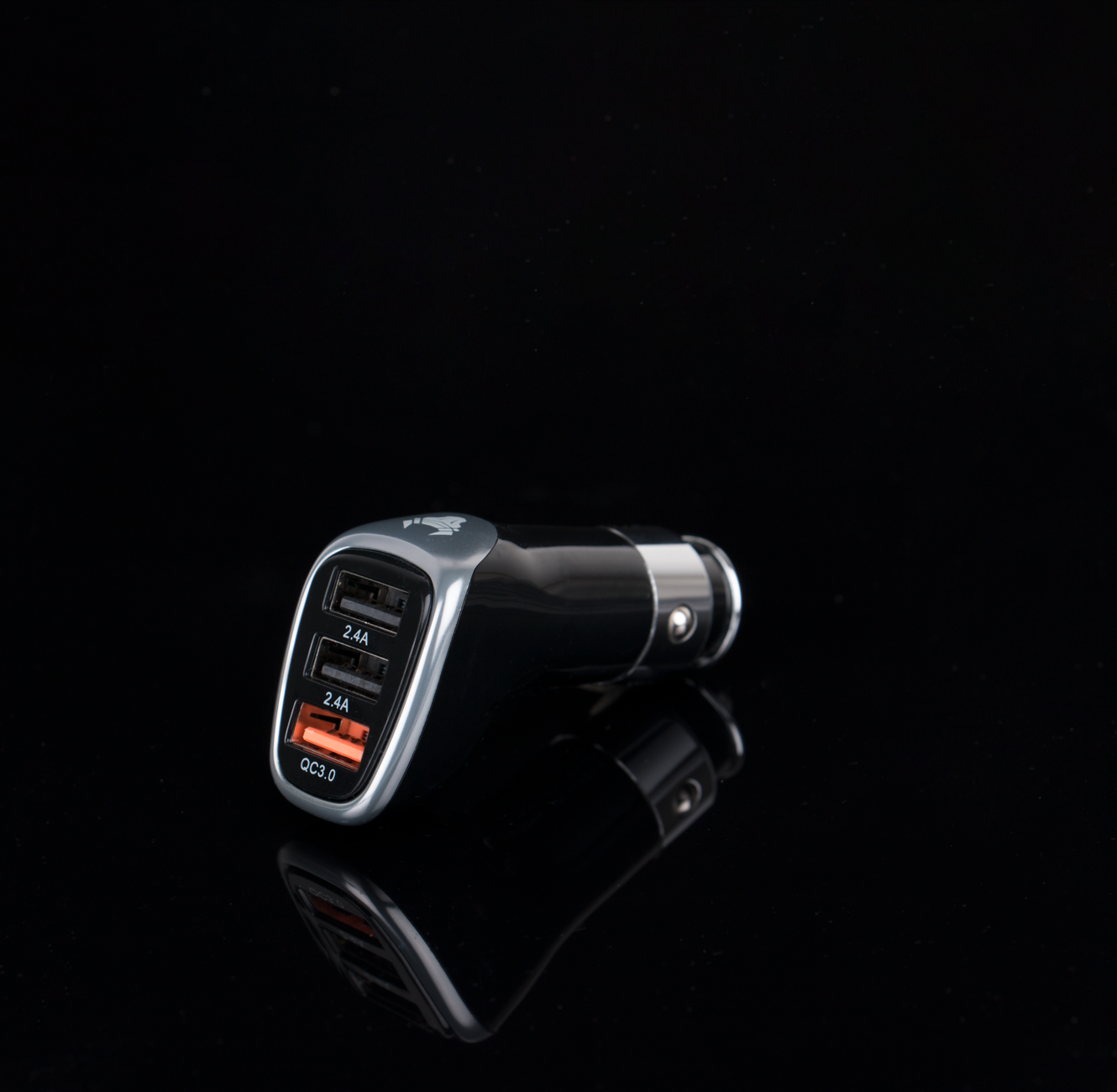
Model 3 and Model Y come with five USB ports between them: two USB-C ports in the front center console, two more USB-C ports in the rear console under the vents, and a single USB-A port tucked inside the glovebox. Most owners assume any of them will work for anything. They don’t.
Only the glovebox port is wired for Sentry Mode and Dashcam recording. According to Tesloid’s breakdown of Tesla’s USB layout, a new Model 3 or Model Y ships with a pre-formatted flash drive already plugged into that glovebox port, specifically because it’s the only one that can save and play back Sentry and Dashcam footage. The four USB-C ports in the console and back seats are for charging and media only — plug a drive into one of those expecting it to record, and it simply won’t.
That’s the real reason a USB hub comes up. If you want your dashcam drive permanently seated in the glovebox and still want to charge a phone from that same port, you’re stuck picking one or the other on a single-port setup. A small hub that plugs into the glovebox port splits it into multiple USB-A and USB-C connections, so the drive stays put for recording while a phone or a second drive shares the same port. Aftermarket hubs built for this — like the Model 3-specific hub sold through Teslarati’s shop — are designed to tuck inside the glovebox and mount the drive with a magnet so nothing rattles loose.
If you’re not fighting over that one port, skip it. A single owner who just wants Sentry Mode working and doesn’t need to charge anything from the glovebox has no reason to add a hub — the stock setup already covers that. Where it earns its keep is if you’re running a larger dashcam storage drive, want a backup drive swapped in without losing charging, or park a phone charger in the glovebox out of habit. In that case, a $20–$30 hub is a cheap fix for a port conflict Tesla didn’t really design around.
Photo by Rann Vijay.