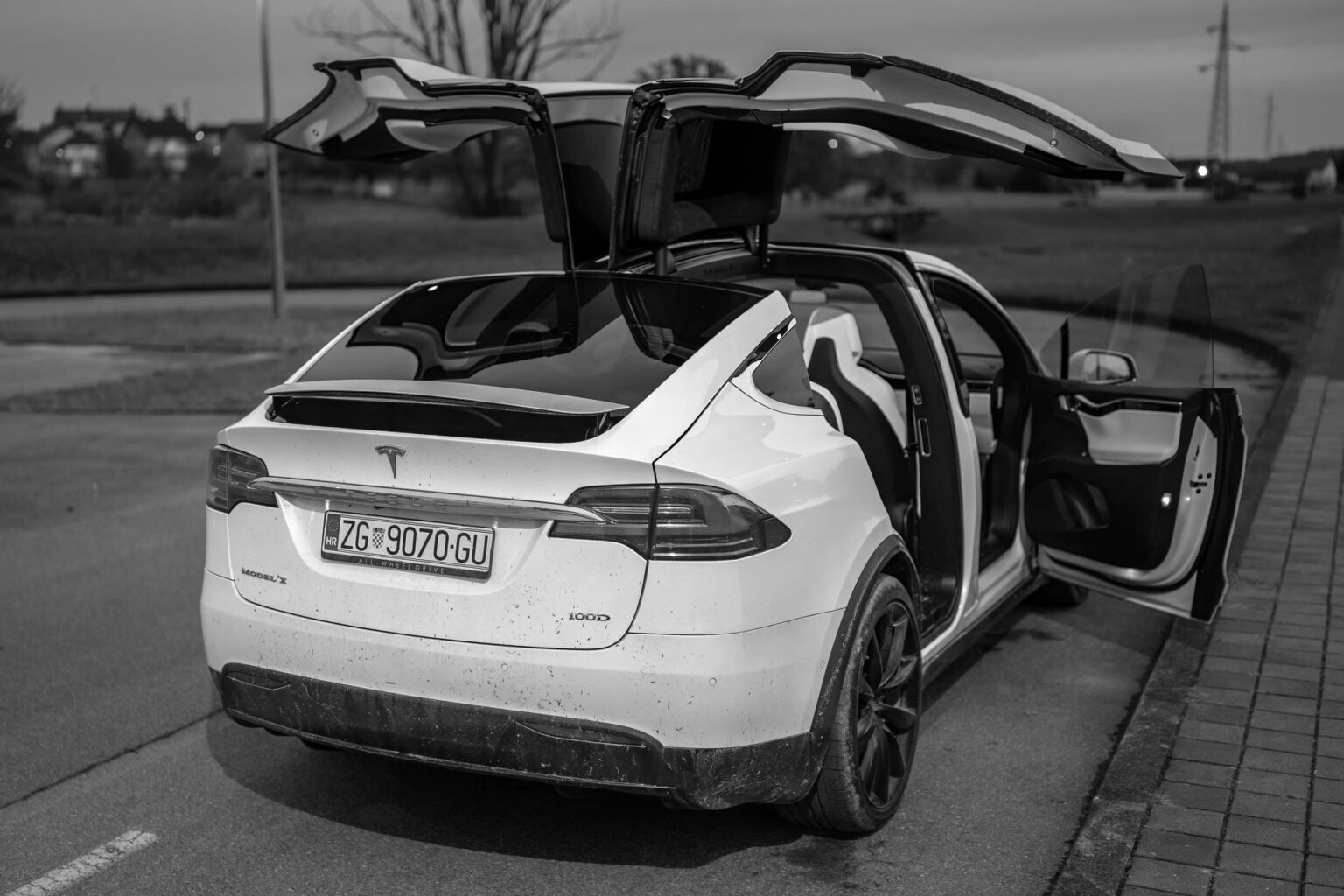
Tesla’s newest update expands blind-spot warning while parked, adds dashcam encryption and parental controls
Tesla began rolling out software version 2026.20.6.1 to its fleet starting July 2, 2026, a quick follow-up patch built on the 2026.20.6 update that came before it. As of early July, the new version was still reaching cars in batches, according to rollout tracking site Teslascope, and it remains Tesla’s newest released version as of this writing, per Not a Tesla App’s running list of updates. The update does not add any major new driving features, but it changes several things that affect everyday ownership, including parking safety, dashcam privacy, and parental controls.
The most safety-relevant change is a wider rollout of “Blind Spot Warning While Parked,” a feature meant to prevent so-called “dooring” accidents, where a driver or passenger opens a car door into the path of a passing cyclist, pedestrian, or vehicle. According to Tesla’s own release notes, when the system detects an approaching object while the car is parked, a chime sounds and the door will not open on the first press of the door button; occupants can override the warning by pressing again a moment later. Tesla also displays a visual warning: on cars with cabin ambient lighting, the door-side light strip turns red, and some models add a small red indicator light near the front pillar speaker grille, according to a report from Not a Tesla App. This update carries forward an expansion that brought the feature to the current Model Y and to 2021-or-newer Model S and Model X worldwide, adding to coverage that already included the Model 3 and Cybertruck, as reported by Teslarati. For an owner, this means the car may briefly resist opening a door if a bike or car is approaching from behind. That short delay is intentional, not a malfunction, and a second press will open the door regardless.
The update also changes how dashcam footage is stored. Tesla’s cars continuously record from their external cameras, and owners can save clips to a USB drive for later viewing. Starting with this update, clips saved to USB are encrypted by default, meaning a saved clip can no longer simply be opened on any computer. To view or share a clip, an owner now needs to decrypt it first, either through the Dashcam app or at dashcam.tesla.com, according to Tesla’s release notes. Owners who prefer the previous behavior can turn encryption off from the touchscreen, under Controls, then Safety, then Encrypt Dashcam Recordings. The change mainly protects owners in the event a USB drive is lost or stolen, since dashcam footage can capture license plates, faces, and location information that owners may not want viewable by a stranger.
A new parental-controls option lets an owner block the car’s Browser, Theater video-streaming app, and Arcade games entirely. The setting is turned on from Controls, then Safety, then Parental Controls, while the car is in Park, according to the same release notes. This gives parents or other primary drivers a way to keep those apps from being used from the driver’s or passenger’s seat at all, rather than relying on other family members to simply avoid them.
Tesla’s in-car assistant, Grok, built by Elon Musk’s company xAI, also continues to expand under this software branch. The hands-free “Hey Grok” wake phrase lets an owner open the assistant by speaking, instead of tapping the screen or holding down the steering-wheel voice button, according to Tesla’s release notes. Tesla has separately been adding Grok to more countries in this same 2026.20 update series, including Chile, Malaysia, the Philippines, Thailand, Singapore, and Hong Kong, according to Not a Tesla App. Grok remains in early beta, and Tesla says it does not yet control car functions like climate or lighting; for now it mainly helps with navigation, including adding or editing destinations by voice command.
Owners do not need to do anything to get 2026.20.6.1. Like all Tesla software, it downloads over Wi-Fi and installs automatically once the car is idle, and this same update cycle added the option to let updates install overnight on their own, according to Tesla’s release notes. Owners can check whether it has arrived by opening Controls, then Software, on the car’s touchscreen.
Photo by Vladimir Srajber.