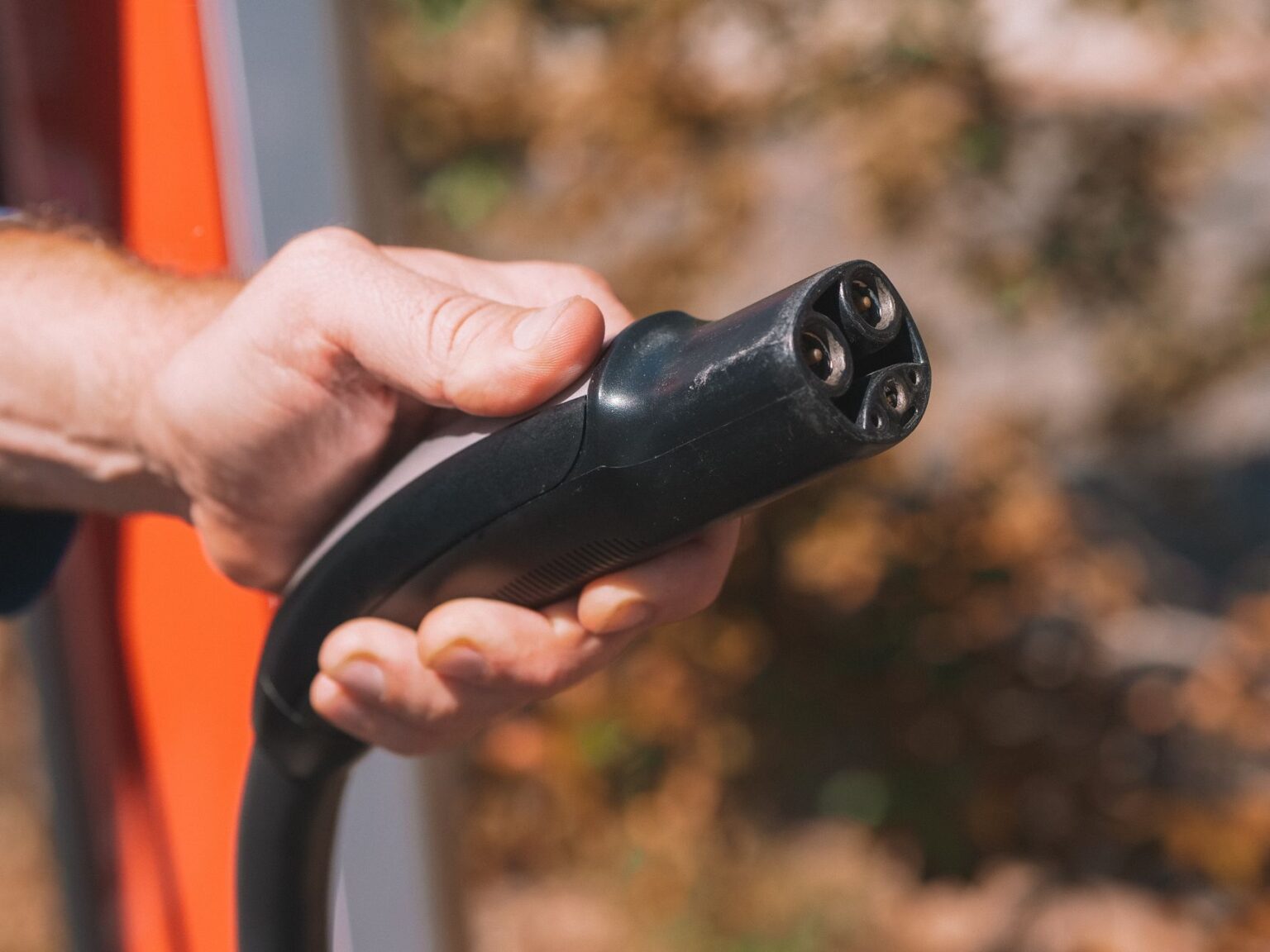
If you leave your Tesla plugged in at a Supercharger after it’s done charging, you can get charged for the time you sit there. Tesla now calls this a congestion fee, though most owners still know it by its older name, the idle fee. Here’s when it applies, what it costs, and how to make sure it never shows up on your bill.
According to Tesla’s own support page, a congestion fee applies only when a Supercharger site is busy and one of two things is true: your battery is already at or above 80%, or your charging session has already ended. In other words, you generally will not be charged just for stopping to charge during a slow, uncrowded visit. The fee exists specifically to keep stalls open at busy locations.
You are not charged the instant your session ends or your battery crosses 80%. Tesla gives you a five-minute grace period to disconnect your vehicle and leave before fees start. If you unplug and pull out within that window, you pay nothing extra.
As for cost, Tesla publishes a per-minute rate by country on its fee page, and as of this writing the listed rate for the United States is $0.50 per minute. Rates differ outside the U.S. because Tesla lists them by local currency, so if you’re charging abroad, check the same page for the number that applies where you are. Tesla’s page doesn’t spell out a higher tier for when a station is completely full, though some third-party pricing trackers have reported rates reaching roughly $1.00 per minute at fully occupied stations as of June 2026. Since Tesla doesn’t confirm that tier on its own site, treat it as a possibility rather than a guarantee, and use the app to see the exact rate at your specific stall before you assume anything.
How you’ll know a fee applies
You don’t have to guess. Tesla says you’ll be notified on the vehicle touchscreen and in the Tesla app if congestion fee conditions are met, and you can check the battery threshold where fees kick in in both places as well. Once you unplug, whatever you owe is billed automatically to the payment method saved in your Tesla app, the same way your charging session itself is paid for.
How to avoid the fee entirely
- Treat the charging-complete notification as a real alert, not a suggestion. Head back to your car within five minutes of your session ending or your battery hitting 80% if the station looks busy.
- At quieter Superchargers with open stalls, this generally isn’t something to worry about, since the fee is tied to the site being busy in the first place.
- If you know you’ll be away from the car, don’t start a Supercharging session you can’t return to promptly. Consider topping off at your next stop instead.
- Charging past 80% at a crowded Supercharger is the situation most likely to trigger a fee, so if you’re on a road trip and the stalls are full, charging to what you need for the next leg rather than to 100% keeps you clear of it.
The short version: idle, or congestion, fees are Tesla’s way of keeping Supercharger stalls moving at busy locations. They’re avoidable in almost every case just by watching your phone or the car’s screen and moving your car once you’re done.
Photo by Kindel Media.