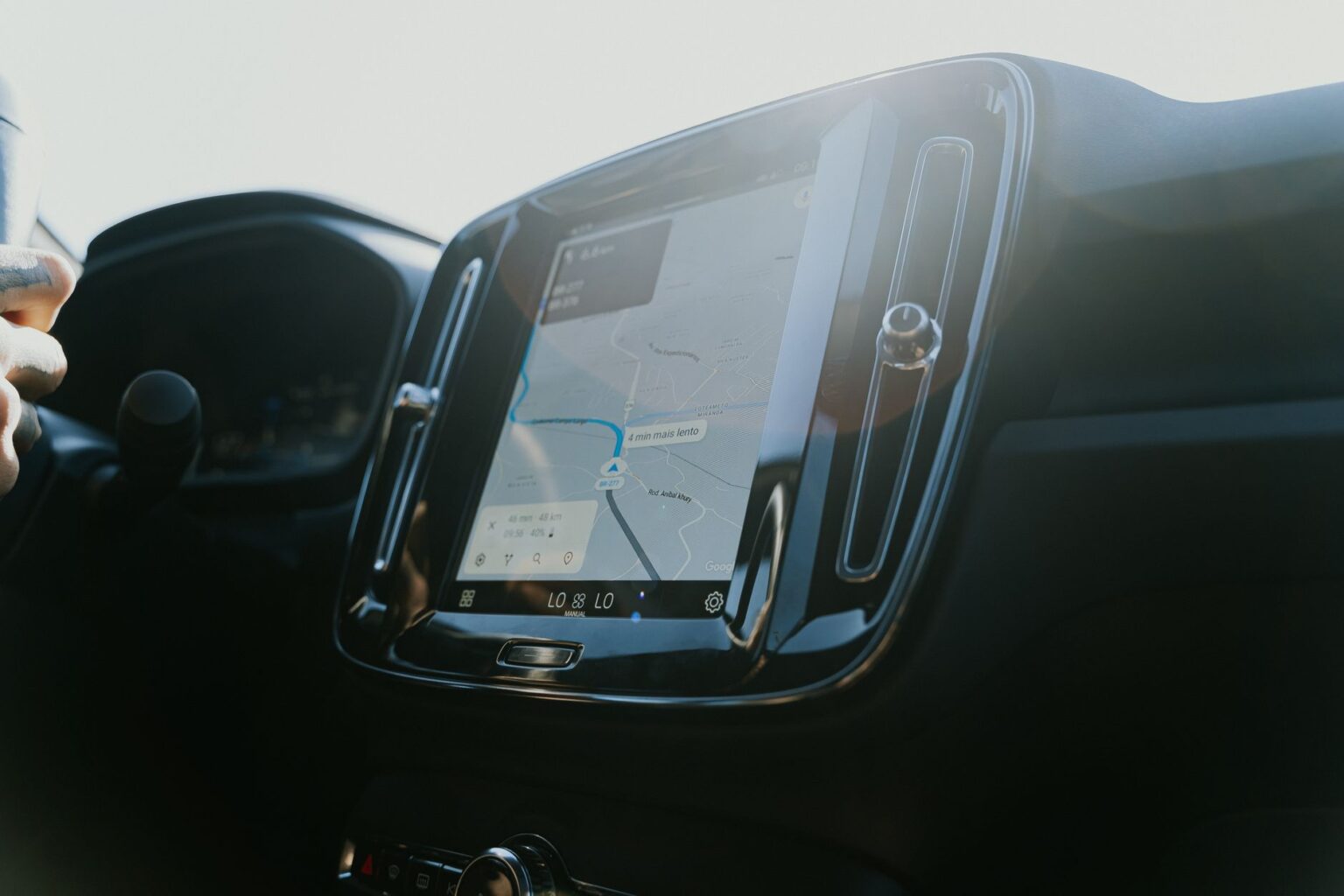
A cracked phone screen is enough to make anyone reach for a screen protector on day one. It’s a natural instinct to want to do the same for the big touchscreen in the center of your Tesla’s dash. Before you order one, know that Tesla itself tells owners not to.
The Tesla owner’s manual is direct about it: “Do not apply a screen protector on the touchscreen. Doing so can result in unintended inputs to the touchscreen (phantom inputs), delayed response or unresponsiveness to touches, electrostatic discharge which can damage the touchscreen, etc.” The manual also notes that any damage caused by installing a screen protector isn’t covered under warranty.
That warning exists because Tesla’s touchscreen isn’t just a display — it’s the primary way you control climate, drive settings, navigation, and more. A film or piece of glass laid over it can throw off how the screen reads your touch, which is a bigger deal on a car than on a phone.
So how scratch-resistant is the screen to begin with? Tesla doesn’t publish a spec sheet on the glass itself, but real-world reports are reassuring. In a hands-on writeup, Teslarati described the factory screen as “supposedly pretty scratch resistant,” and noted that glare from the driver’s seat generally isn’t much of an issue day to day. The scratch that prompted that owner’s search for a protector came from a dropped iPhone striking the glass — the kind of direct impact that can mark almost any screen, protector or not.
If you’re still tempted, know the tradeoffs reviewers point out: clear film is nearly invisible but does little to cut glare, while matte film noticeably reduces glare and fingerprints at the cost of a slightly softer, less sharp image. Either way, you’re doing it against Tesla’s explicit guidance, and you’re on your own if it causes a touch or display problem.
The simpler, warranty-safe path is to just take care of the screen as-is. Tesla’s manual recommends cleaning it only with a soft, lint-free cloth made for displays, and to skip glass cleaner, alcohol-based products like hand sanitizer, wet wipes, and even a freshly laundered microfiber cloth, which can carry a static charge. Most Teslas also have a built-in Screen Clean Mode that dims the display so you can wipe it down safely.
Keep drinks, keys, and phones from banging into the screen, wipe it down the right way, and you likely won’t need a protector at all — which is exactly what Tesla recommends.
Photo by Daniel Andraski.